



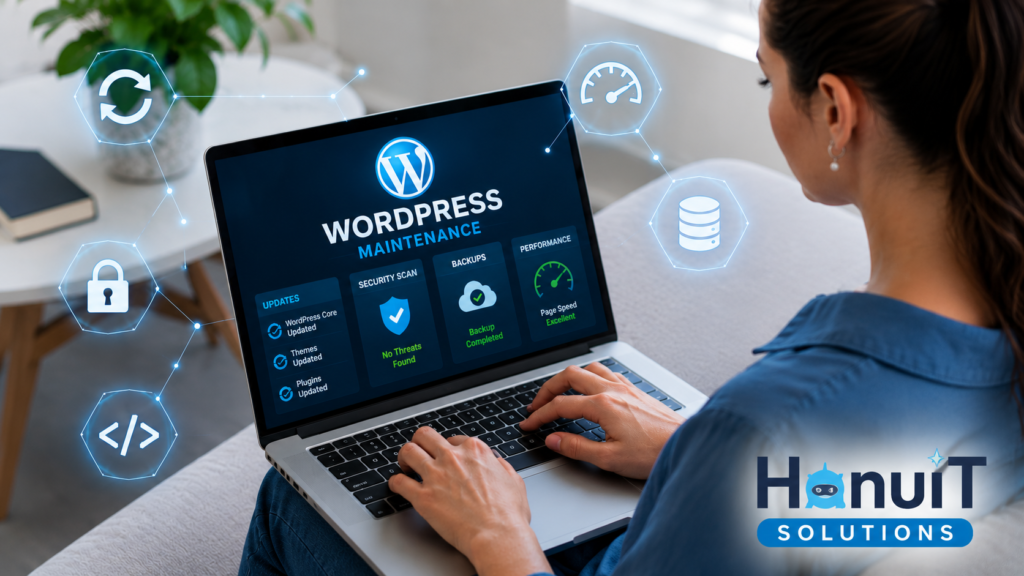
Running a WordPress website without a maintenance plan is like driving a car and never checking the oil — it works fine until suddenly it doesn’t. In 2026, with cyberattacks on small business websites rising and Google placing more weight on Core Web Vitals, WordPress maintenance isn’t optional anymore. It’s the difference between a site that generates leads and one that quietly loses them.
At HanuiT Solutions, we help businesses keep their WordPress websites secure, fast, and up to date through proactive maintenance. Over the years, we’ve seen the same pattern repeatedly: websites that skip regular maintenance are far more likely to experience slow performance, security vulnerabilities, unexpected downtime, and expensive recovery efforts
Whether you manage your website yourself or work with a professional team, this guide will help you understand the essential WordPress maintenance tasks that prevent security issues, improve performance, and keep your website operating at its best.
Why WordPress Maintenance Matters More in 2026
WordPress powers a huge share of the web, which makes it a constant target for automated bot attacks scanning for outdated plugins and unpatched vulnerabilities. At the same time, Google’s ranking systems continue to reward sites with strong Core Web Vitals and penalize slow, insecure ones.
A neglected WordPress site typically experiences:
- Increased vulnerability to malware and hacking attempts
- Slower load times as plugins, images, and database entries pile up
- Broken layouts or features after unmonitored updates
- Declining search rankings due to poor speed and security signals
- Lost customer trust if the site gets flagged or blacklisted
Regular maintenance prevents all of this — and it’s far cheaper than fixing a hacked or blacklisted website after the fact.
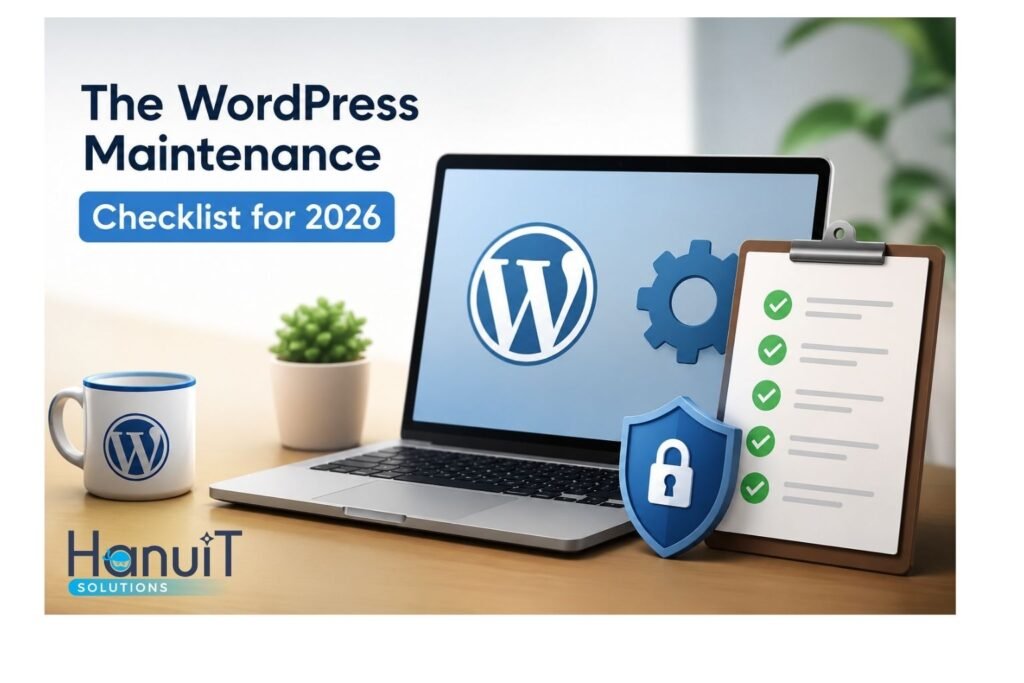
The WordPress Maintenance Checklist for 2026
1. Core, Theme & Plugin Updates
Outdated WordPress core files, themes, and plugins are the single biggest entry point for hackers. Every update should be applied promptly, but never blindly — updates should be tested on a staging environment first to avoid breaking live functionality.
What we check: WordPress core version, active theme updates, and every installed plugin (including commonly used ones like Rank Math, AIOSEO, and Redirection).
2. Security Monitoring & Malware Scanning
Security isn’t a one-time setup — it’s ongoing monitoring. This includes:
- Firewall protection against brute-force login attempts
- Malware scanning on a regular schedule
- Login security (limiting attempts, enforcing strong passwords, two-factor authentication)
- File integrity monitoring to catch unauthorized changes
- SSL certificate checks to ensure HTTPS stays active and valid
3. Automated Backups
If something goes wrong, a recent backup is what separates a five-minute fix from a five-day crisis. A proper backup strategy includes:
- Daily or weekly automated backups (depending on how often the site changes)
- Backups stored off-server (cloud storage, not just the hosting account)
- Periodic test restores to confirm backups actually work
4. Speed & Performance Optimization
Site speed directly affects both rankings and conversions. Key performance levers include:
- Image compression and next-gen formats (WebP)
- Caching plugins to reduce server load
- Minifying CSS/JS files
- Database cleanup (removing spam comments, post revisions, and transient data)
- Choosing quality hosting suited to the site’s traffic
5. Broken Link & Redirect Management
Over time, URLs change, pages get deleted, and external links break. Left unchecked, this creates poor user experience and wastes crawl budget. A maintenance routine should include regular broken-link audits and clean 301 redirect setups — something we handle directly using the Redirection plugin for clients.
6. Database Optimization
WordPress databases accumulate clutter — post revisions, spam, expired transients — that slows everything down. Routine database cleanup keeps queries fast and the admin dashboard responsive.
7. Uptime Monitoring
A site that’s down is a site that’s losing leads. Uptime monitoring tools alert you the moment a site goes offline, so issues get resolved in minutes, not days.
How Often Should WordPress Maintenance Be Done?
| Task | Frequency |
| Security scans | Weekly |
| Core/plugin/theme updates | As released (tested before applying) |
| Backups | Daily to weekly |
| Speed audit | Monthly |
| Database cleanup | Monthly |
| Full site health audit | Quarterly |
DIY vs. Professional WordPress Maintenance
Small business owners often start out managing updates themselves, but this gets risky fast — a single plugin conflict can take a site offline, and most owners don’t have time to monitor security threats daily. Professional maintenance means updates are tested before going live, backups are verified (not just scheduled), and security monitoring happens around the clock — not just when something breaks. For more WordPress maintenance tips, website optimization insights, and the latest updates, follow HanuiT Solutions on Instagram.
How HanuiT Solutions Handles WordPress Maintenance & Security
Managing a WordPress website requires more than occasional updates. Regular maintenance is essential to protect your site from security threats, maintain fast performance, and ensure a smooth experience for your visitors.
At Hanu IT Solutions, we provide comprehensive WordPress maintenance services, including core, theme, and plugin updates, website backups, security monitoring, malware protection, performance optimization, uptime monitoring, and technical support. Our proactive maintenance approach helps identify and resolve potential issues before they affect your website or business.
If your website hasn’t been maintained recently, now is the perfect time to review its health and security. Staying ahead of updates and vulnerabilities can save you from unexpected downtime, data loss, and costly repairs.
Need reliable WordPress maintenance? Contact us today to discuss a maintenance plan tailored to your website’s needs and keep your site secure, fast, and performing at its best.
Frequently Asked Questions
How much does WordPress maintenance cost? Cost varies based on site size, traffic, and the level of security monitoring needed. Most agencies offer monthly maintenance packages that are significantly cheaper than fixing a hacked or crashed site after the fact.
Can I do WordPress maintenance myself? Yes, for very small sites — but it requires consistent time for testing updates, monitoring security, and verifying backups. Most businesses find it more reliable to outsource this to a team that does it daily.
What happens if I don’t update WordPress regularly? Outdated core files, themes, and plugins become the easiest entry point for hackers and bots. Unpatched sites are far more likely to be hacked, blacklisted by Google, or to break entirely after a delayed, untested update.
Does WordPress maintenance improve SEO? Yes. Site speed and security are both confirmed Google ranking factors. A well-maintained site loads faster, stays online, and avoids the security warnings that can tank rankings overnight.
How do I know if my WordPress site needs maintenance? Common warning signs include slow load times, outdated plugin notices in the dashboard, unexpected pop-ups or redirects, a drop in search rankings, or simply not remembering the last time anything was updated.